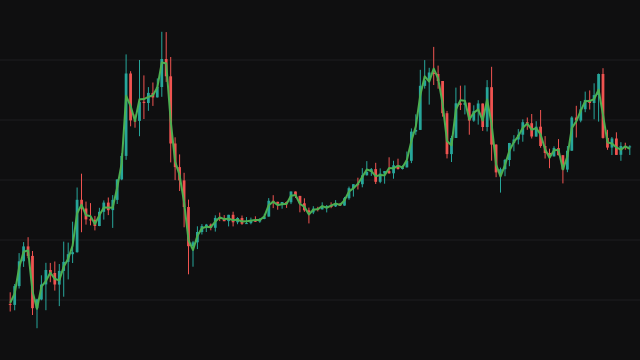
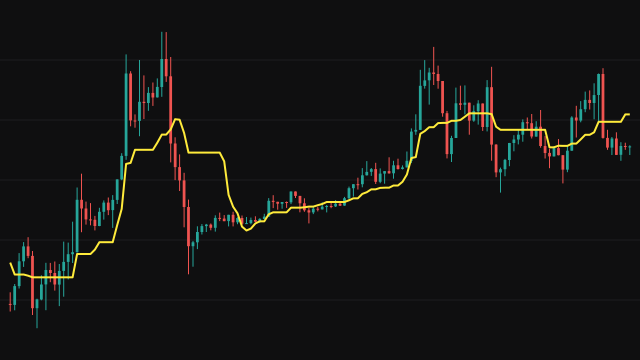
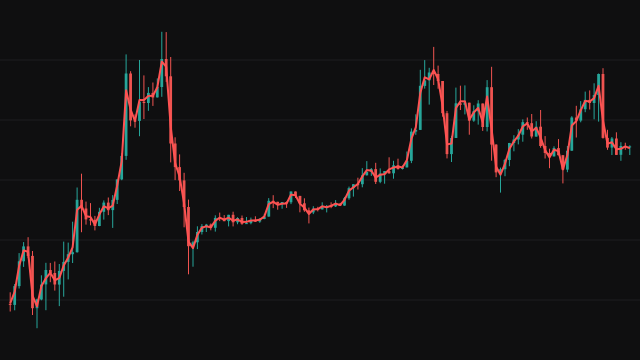
Midpoint Price over Period takes the highest high and the lowest low of the last period bars and draws the point halfway between them. It marks the centre of the range the market has traded over the window, wicks included, rather than the centre of the latest bar.
Only the two extremes enter the calculation, so the line stays flat while no new high or low arrives and no old one leaves the window, and it steps when one does. It is absent until the window has filled, which means the first period - 1 bars carry no value. It is the same centre line that a price channel built on highs and lows draws between its two edges.
How to read MIDPRICE: Midpoint Price over Period
Price trading above the line is in the upper half of its recent range, and price below it is in the lower half. A move back to the line after a run means price has returned to the middle of its recent range.
The line only shifts when the range itself shifts, so a long flat stretch means the range has been stable, not that price has been still. It says nothing about how wide the range is; read it beside the high and low it is built from.
Settings
- Period
- How many bars the range covers. A longer period gives a steadier line that steps less often and starts later.
Frequently asked questions
How does it differ from Median Price?
Median Price is the midpoint of a single bar. Midpoint Price over Period is the midpoint of the highest high and lowest low across many bars, so it describes the recent range rather than the latest candle.
Why does it ignore the close?
It is a range measure. The highest high and lowest low define the edges of the range, and the line sits halfway between them whatever the closes did.
When does the first value appear?
On bar period - 1, once the window holds a full set of bars.